Generate cleaner, more believable visuals from structured prompts with UNI-1.
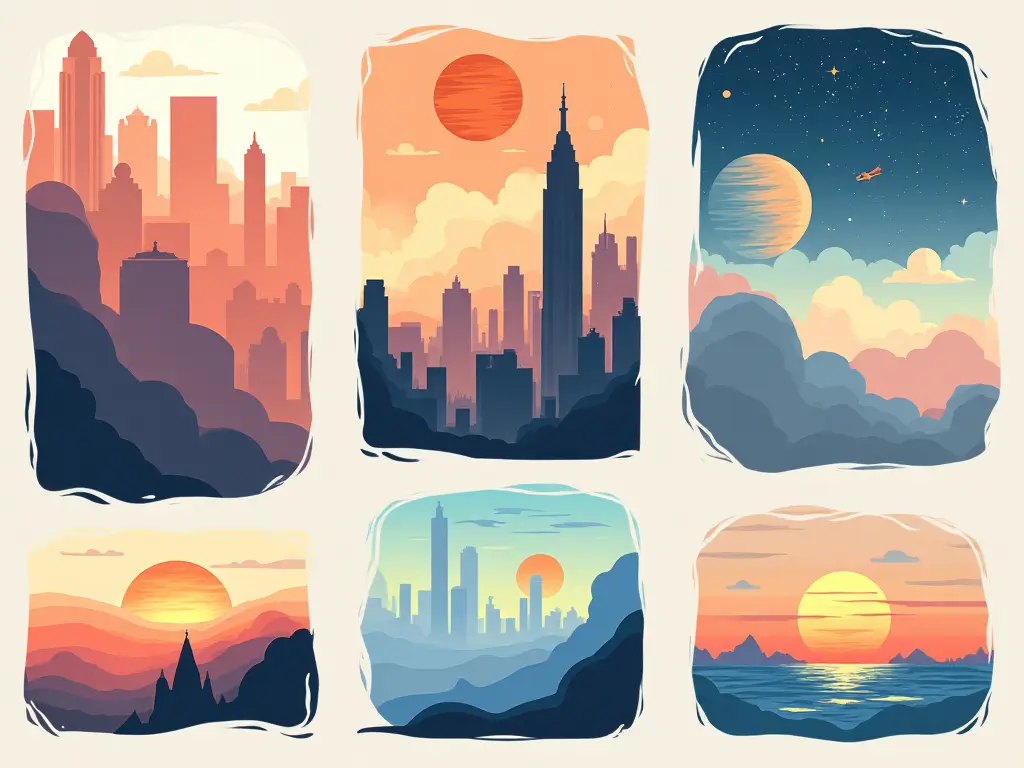
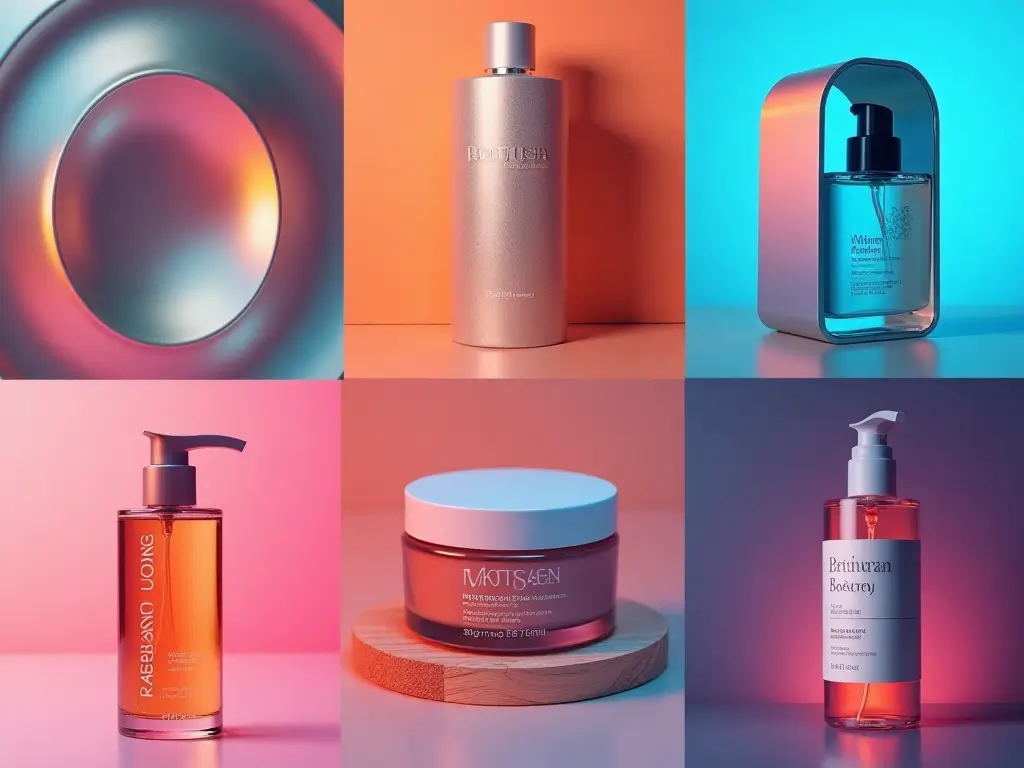
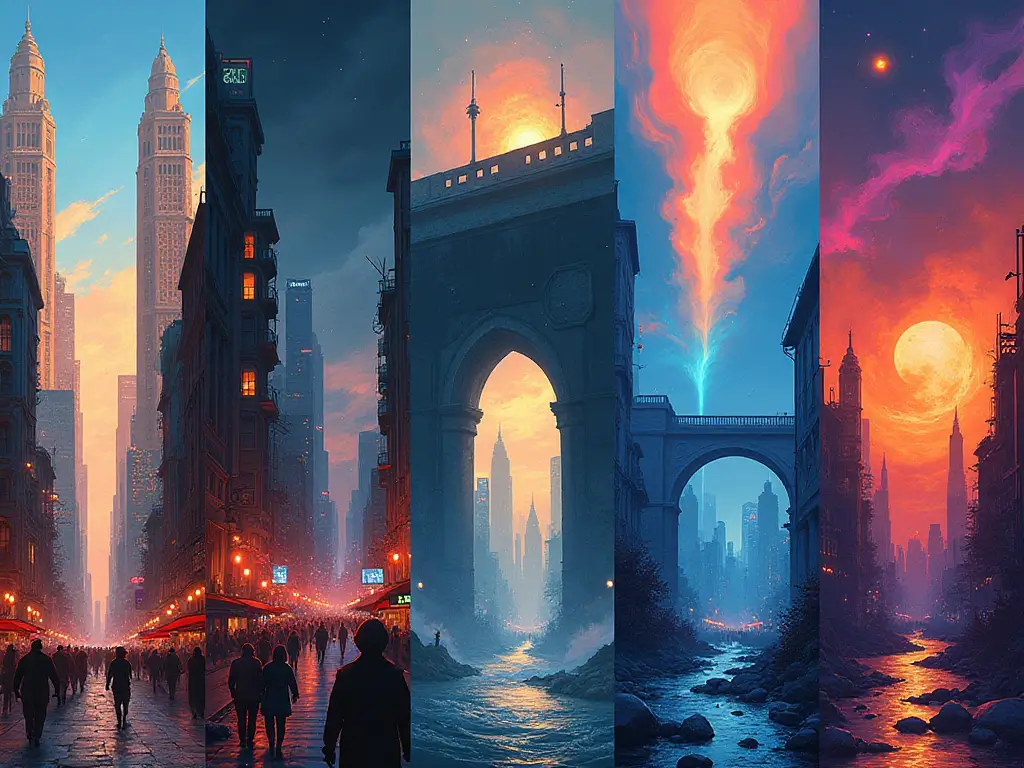
UNI-1 focuses on instruction fidelity, believable composition, and stylistic range without making you fight the prompt.

Turn dense prompts into coherent outputs with stronger understanding of subject, layout, mood, and visual constraints.

Generate images that feel more grounded, spatially consistent, and visually believable across complex compositions.

Explore aesthetics ranging from cinematic realism to stylized illustration, manga-inspired looks, and internet-native visual language.

Produce refined visuals with cleaner details, stronger prompt adherence, and outputs that hold up for creative and marketing work.
Keep the workflow simple: describe clearly, configure lightly, and refine fast.
Describe the subject, environment, composition, lighting, and style in one clear instruction. UNI-1 performs best when your prompt states the intended outcome directly.
Choose the aspect ratio that fits your use case and generate one or more variations when you want options for selection or refinement.
Let UNI-1 translate your prompt into a finished image with stronger reasoning about scene structure, object relationships, and plausibility.
Tighten the wording, add constraints, or steer the style further to converge on the final visual you want.
The goal is not just pretty output. It is more controllable, more believable image generation.
UNI-1 is designed to reason about constraints before and during synthesis, improving composition, spatial consistency, and prompt fidelity.
Complex prompts with multiple elements, style cues, and scene details hold together more reliably without collapsing into generic output.
Generate across cinematic, internet-native, manga-inspired, and culture-aware styles without losing the core subject or direction.
Use quick prompt adjustments and multiple outputs to explore directions faster instead of rebuilding the concept from scratch each time.
UNI-1 is Luma AI's unified understanding and generation model. It is positioned around stronger reasoning, directability, and broader creative range in image generation.
Be explicit about subject, setting, composition, mood, and style. Clear constraints and intended outcomes usually outperform short, underspecified prompts.
No. It can be steered toward realism, illustration, stylized looks, and culture-aware visual aesthetics depending on how you prompt it.
The main difference is stronger reasoning around scene structure, visual plausibility, and instruction following rather than only raw texture or speed.
Yes. It is well suited for creative ideation, campaign visual exploration, content mockups, storyboards, and fast concept development.
Tighten the prompt, remove ambiguity, specify the composition more directly, and generate a small set of variations to compare.
This generator focuses on prompt-based creation. For upload-driven or reference-guided transformations, use the main UNI-1 editing workflow on the homepage.
This site presents the UNI-1 workflow and branding only. It does not claim direct Luma UNI-1 API availability through this page.
