Transform images with natural-language instructions, reference guidance, and stronger visual coherence.

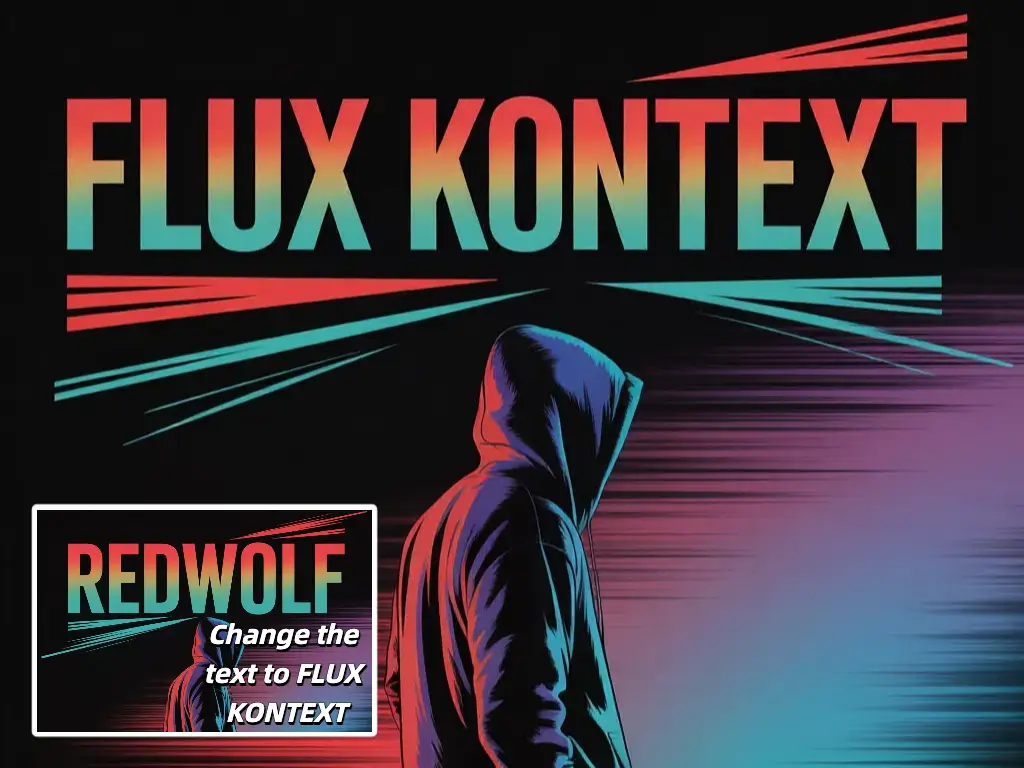
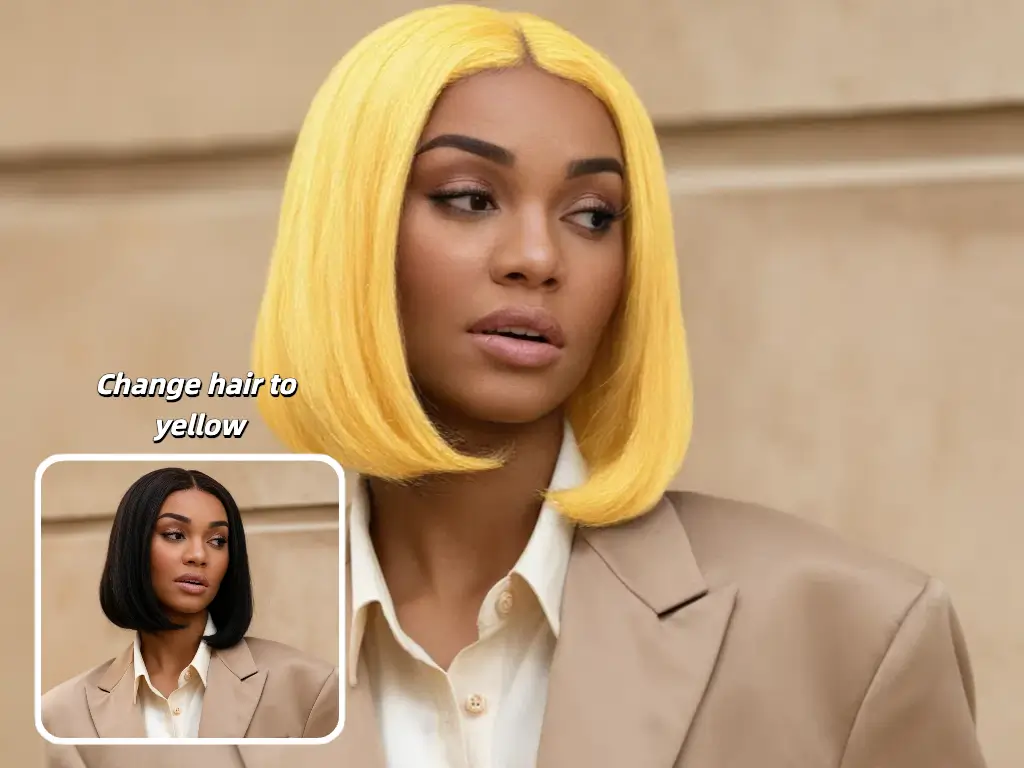
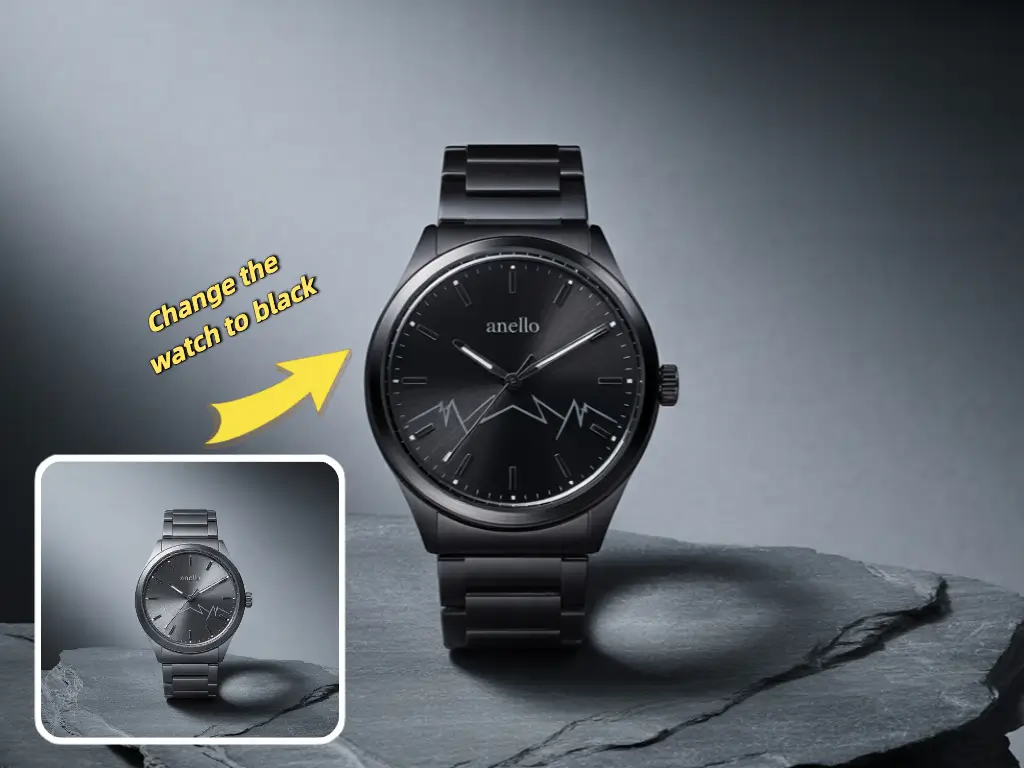
Use UNI-1 to preserve what matters, direct what should change, and iterate toward cleaner results without rebuilding the whole scene.

Make targeted scene changes with natural-language instructions while keeping core identity, structure, and important visual anchors intact.

Push for stronger detail retention, more polished rendering, and cleaner edits when output quality matters most.

Guide transformations with multiple source images when you need tighter control over identity, style, or composition.

Explore stylized, cinematic, and culture-aware directions while preserving the original intent of the edit.
Start from your existing image, direct the change clearly, and generate variations fast.
Start with the image you want to transform. Use one strong image for direct edits or multiple references when you need tighter control.
Tell UNI-1 exactly what should change and what should stay. Strong instructions reduce ambiguity and improve edit stability.
Pick the mode that fits the task, whether you want fast targeted edits, higher-fidelity output, or multi-reference control.
Review the first pass, refine the instruction, and generate again until the result matches the direction you want.
UNI-1 is positioned around better understanding, better control, and more believable transformations.
UNI-1 reasons about structure, constraints, and plausibility before and during image synthesis, leading to edits that feel more coherent.
Guide the output with source images and directable constraints instead of hoping the model guesses what should stay consistent.
Move across aesthetics, memes, manga-inspired looks, and cinematic styles while keeping subject intent and scene identity clearer.
Generate, adjust, and regenerate quickly so you can converge on the final image through iteration rather than manual rebuilds.
UNI-1 is designed for unified understanding and generation, which makes it especially useful for image transformation, directable generation, and reasoning-informed editing.
Instead of editing pixels manually, UNI-1 responds to language instructions and reasons about the scene so changes can stay more coherent and believable.
Use multiple references when identity, style, or composition consistency matters and one image is not enough to ground the direction.
Be explicit about the desired change, the elements that must remain unchanged, and the target mood, style, or setting.
That is one of the strongest use cases. Reference-guided workflows are useful when you need identity, pose, or composition to remain more stable.
Yes. It works well for applying stylistic direction while preserving important content from the source image, especially in multi-reference workflows.
Yes. The practical workflow is to generate a first result, revise the instruction, and iterate until the image lands where you want it.
No. This site is a UNI-1-branded experience and does not claim direct official UNI-1 API access from Luma.
